Last Updated on June 5, 2026
Introduction
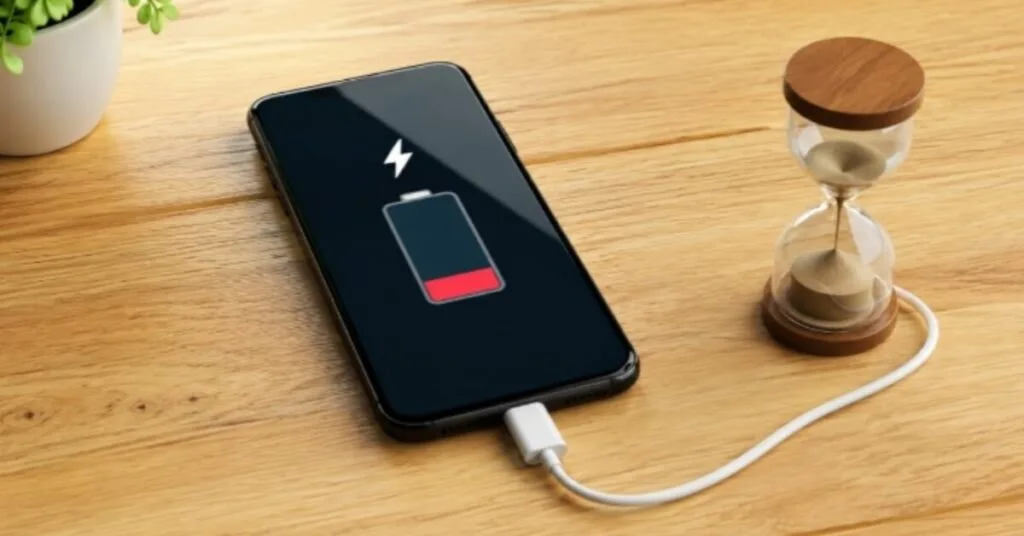
If you plug in your phone but the battery takes too long to charge, then today I will explain why your phone charges slowly. These days, everyone asks this question. Charging a phone takes a lot of time. Some people buy a new charger. Some people change the battery. But most of the time, the problem is just a small setting or a bad charging habit. If you fix it, you will get much better results.
This problem is not only with you. I have also faced slow charging issues. I improved my charging speed with some simple changes. In this guide, I will tell you all the practical solutions that you can try at home. So you can easily fix your mobile problem.
First, Check These Things
To fix slow charging, you must check these things first. Every line will be helpful for you.
| Check Item | What to Check |
|---|---|
| Charger | Must be original charging |
| Cable | Is the cable damaged? |
| Charging Port | Is there any dust? |
| Battery | Is the battery getting hot? |
| Apps | Are too many apps running in background? |
If there is any problem in these, it can cause slow charging speed. In my opinion, if this is the problem, then change the charging setup.
Charging Is Still Very Slow After Plugging In
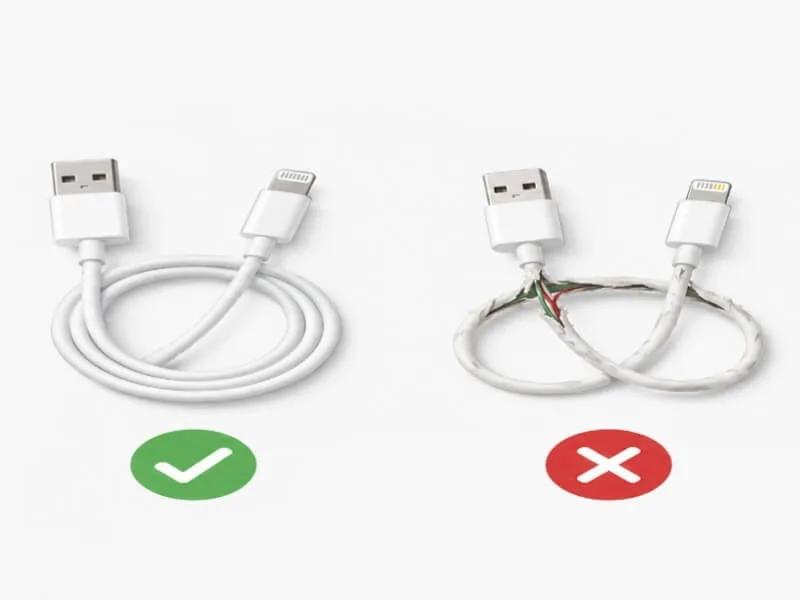
If your phone is charging but the battery takes too much time to become full, then you should check the charger and cable. Is any of them damaged?
What to Do?
- Use your phone’s original charger.
- Bend the cable and check it, this is important.
- Test with another phone’s cable.
- Check if fast charging is supported, like on a good phone.
From my test, the problem is often fixed just by changing the cable. My uncle had the same problem. But when he changed the cable, he got such a good result that I was surprised. So my advice is, brother, try changing the cable once.
Phone Gets Hot While Charging
Do you know what the real problem is? We do not even know why this problem is happening. If your phone gets hot while charging, then these can be the reasons for heat, because the same thing happened with me.
Reasons for Heat
- Gaming while charging
- Video streaming
- Direct sunlight
- Heavy background apps
Solution
- Do not play games while charging. Many people keep using the mobile while it is charging.
- Remove the cover whenever you put the mobile on charging.
- If possible, charge it in a cool place.
Battery Percentage Jumps
If the battery jumps from 20% to 40% or from 70% to 90% suddenly, then it can be a battery calibration issue. The solution I used will definitely give you results.
What Should You Do?
- Charge the phone to 100% once.
- Let the battery drain naturally.
- Then charge it fully again.
This process often fixes the battery reading. This is my personal experience.
Fast Charging Stopped Suddenly
Many users complain that fast charging worked before but now it does not work. So I tell you that if you use the tips given in this topic, all your problems will be solved.
Possible Reasons
- You are using a damaged adapter
- Faulty cable that is useless
- Dusty charging port
- Software issue
Quick Fix
- Restart your phone once.
- Clean the port, this is important.
- Use the original adapter of your mobile.
7 Proven Ways To Increase Charging Speed
Turn On Airplane Mode
Airplane mode reduces battery use and supports charging. This may look like a small setting to you, but it is helpful.
Close Background Apps
Clear recent apps and close unnecessary apps. If possible, uninstall apps that you do not use.
Use Battery Saver Mode
When you turn on battery saver mode, the phone limits background apps, sync and notifications.
This reduces the load on the battery and charging speed becomes 10-15% faster. This is true.
Clean Charging Port
Dust can affect charging speed. Yes friend, it can make charging speed so slow that you cannot even imagine. Brother, I am telling you every thing so that your problem is fixed quickly, so you can fix your mobile problem at home.
Use Original Accessories
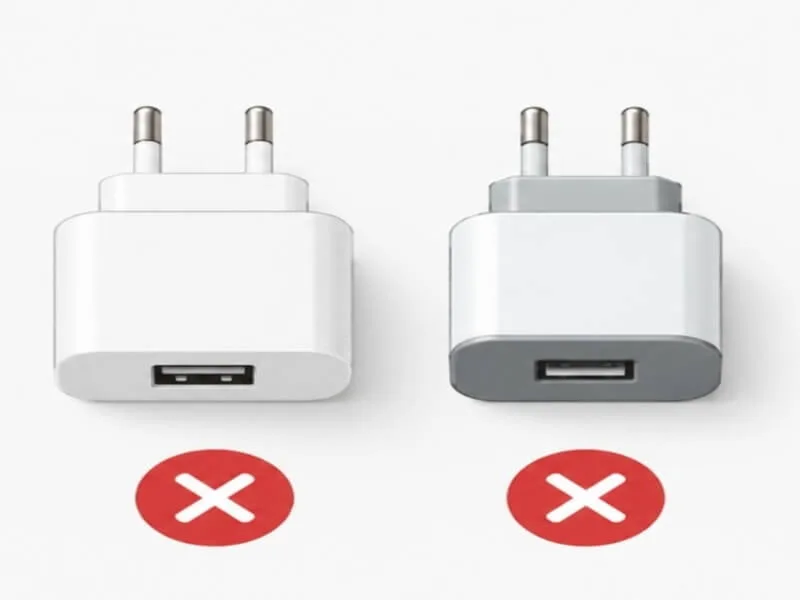
Fig 2: Duplicate chargers cause slow charging + battery damage
Duplicate chargers are often the reason for slow charging. I also used a duplicate charger of my friend once. But that day I got so worried. I thought, why is my mobile having this kind of problem in just one day?
Install Software Update
Latest updates can improve battery optimization.
Android 14 and 15 have given an Adaptive Charging feature by Google. It charges slowly at night to protect battery health. Also, new updates limit background apps so the battery does not drain while charging. So always go to Settings > Software Update and check if there is any new update.
Monitor Battery Health
Old batteries charge slowly naturally.
After 1-2 years, battery capacity becomes less than 80%. If your mobile is 2 years old and you have to charge it 2-3 times a day, then friend I will advise you to change your mobile battery.
Mistakes That Cause Slow Charging
- Using cheap charger damages both battery and charging.
- Playing games while charging damages the battery.
- Keeping it on charge all night reduces battery life.
- Using damaged cable, the wire inside the cable gets cracked.
- Ignoring overheating, putting it on charge whenever the mobile gets hot.
If you fix all these mistakes, then in my opinion 100% of the problem will be solved.
Is It Necessary to Buy a New Charger?
If your charger has become too old, then you should buy a new one.
First test the cable, clean the port, update software and close background apps. If the issue is still there, then consider the charger or battery.
FAQ
Why is my mobile charging slowly?
Often when the charger gets old, your mobile battery charges slowly.
Does a duplicate charger slow down charging?
Yes, I also used a duplicate charger once. It really slows down charging.
Can we use mobile while charging?
You can use it, but the charging speed also becomes slow.
Does battery saver make charging fast?
It does not make it directly fast, but it reduces battery usage.
Is cleaning the charging port safe?
Yes, but be very careful.
Why does fast charging stop suddenly?
Due to bad cable, old charger, software or charging port issue.
Can changing the battery fix slow charging?
If the battery has become too weak, then changing it can fix it.
Does overheating affect charging speed?
Yes, why not, it definitely does.
Final Words
If your phone is charging slowly, you do not need to buy a new charger or battery immediately. First, you must find the real cause. Most of the time, the problem is in the charging cable, charging port, background apps or charging habits. If you follow the solutions I told you in this topic, you can improve charging speed and also keep battery health better, because this is my personal experience. Still, if you do not understand anything, then contact me.

Pingback: Should You Charge Phone to 100% Every Night? 2026 Battery Guide - mobvanta.com
Pingback: Samsung Galaxy A51 Battery Review: 4000mAh Battery Life - mobvanta.com
Pingback: Redmi A5 Battery Test: How Long Does the 5200mAh Battery Last? (2026) - mobvanta.com
Pingback: Infinix Hot 60 Pro Price in Pakistan 2026 - Battery, Camera Test - mobvanta.com