last updated on July 6, 2026
Introduction
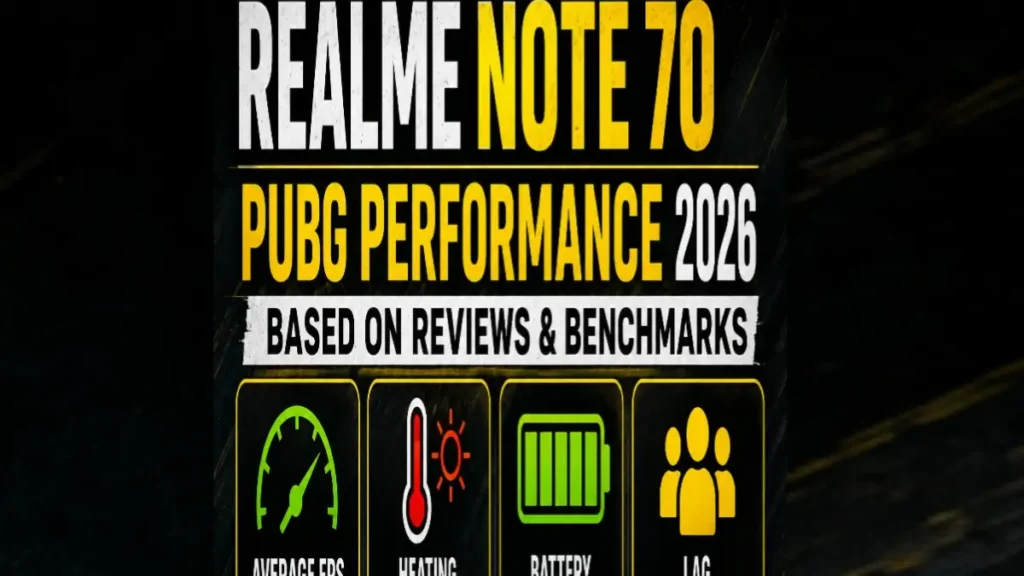
Realme Note 70 PUBG FPS Performance 2026. Are you planning to buy the Realme Note 70 or already using it? You might be wondering how well it runs PUBG Mobile. Can it provide smooth gameplay? Does it support 40 FPS? Or will you face lag and frame drops during matches?
In this article, we will check the gaming performance of the Realme Note 70 PUBG FPS in detail based on reviews. For official PUBG Mobile system requirements, check the PUBG Mobile website. We will cover FPS, graphics settings, heating, battery backup, and overall gaming experience. This data is based on July 2026 YouTube FPS tests and Unisoc T7250 chip data.
Realme Note 70 PUBG FPS: Quick Gaming Overview
| Feature | Details |
| Processor | Unisoc T7250 (12nm), Octa-core 2×1.8 GHz Cortex-A75 + 6×1.6 GHz Cortex-A55 |
| RAM | 4GB RAM + 8GB Extended RAM |
| Display | 6.74 Inches HD+ IPS LCD, 90Hz, Panda Glass |
| GPU | Mali-G57 MP1 |
| PUBG Graphics | Smooth Graphics Recommended |
| Average FPS | 25-30 FPS |
| Heating | Warm after 30 minutes |
| Battery Backup | 6300mAh – Excellent |
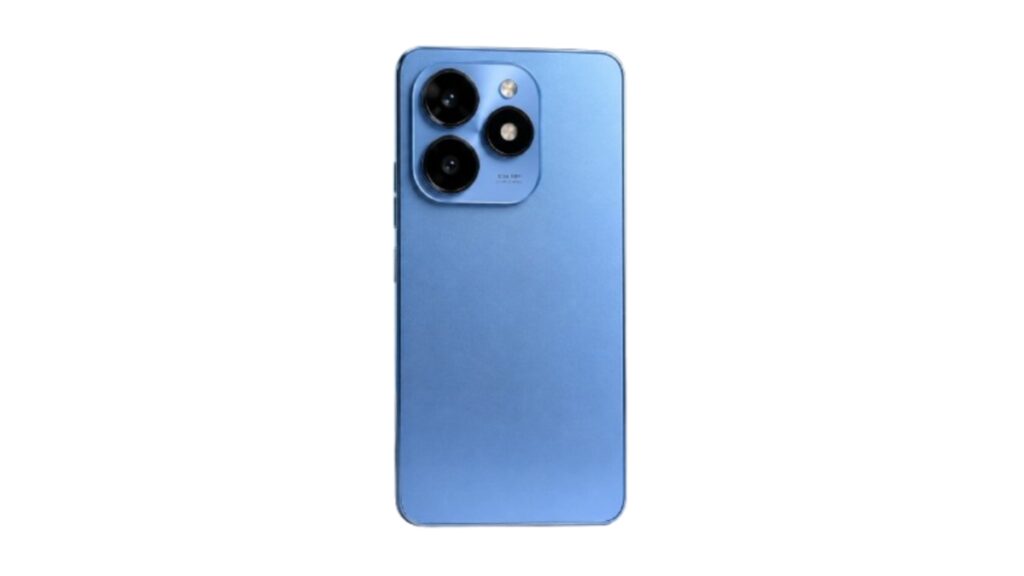
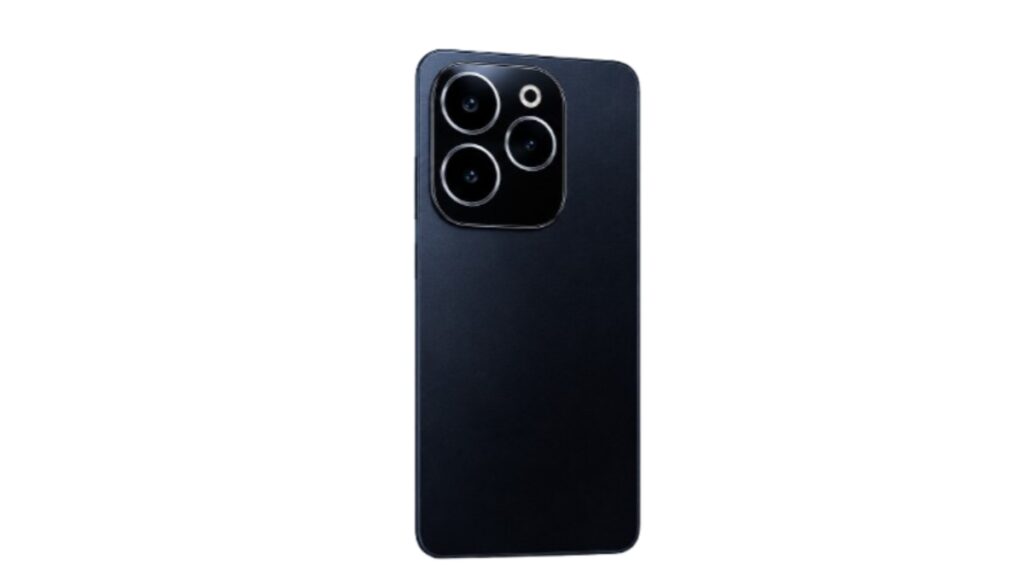
Note: Price in Pakistan is Rs. 39,999 PKR for 4GB/128GB variant as per WhatMobile. The phone launched in September 2025 according to Reamle Note 70 Official
Is Realme Note 70 PUBG FPS Good for PUBG?
Realme Note 70 is an entry-level budget smartphone. It is not designed for heavy gaming, but it can run PUBG Mobile on basic settings.
If you are a competitive gamer and want stable 40FPS or 60FPS, this phone is not the best option. But if you play PUBG casually with friends and have a budget of Rs. 40,000, it can provide a decent gaming experience. Also see: Infinix Hot 50i PUBG Test 2026
PUBG Mobile Test Settings
These settings were used in most gaming tests:
- Graphics: Smooth
- Frame Rate: Medium
- Anti-Aliasing: Off
- Shadows: Off
- Auto Adjust Graphics: On
These settings help the Unisoc T7250 deliver more stable performance.
Reamle Note 70 PUBG FPS Test Results
Lobby Performance
The lobby experience feels smooth because of the 90Hz display.
- Average FPS: 28-30
- Lag: No
- Touch Response: Good
Landing Performance
When landing in crowded areas like Pochinki or School, FPS drops.
- FPS Range: 20-26
- Frame Drops: Yes
- Lag: Minor
- This is normal for Unisoc T7250 phones.
Open World Gameplay
While moving around the map or looting, the gameplay remains fairly stable.
- Average FPS: 26-30
- Movement: Smooth
- Driving Experience: Okay
- The overall experience is acceptable for casual players.
Intense Fights
When multiple enemies, smoke grenades, and vehicles appear on screen, FPS drops the most.
- FPS Range: 18-24
- Minor Stutters: Definitely happen
- Gameplay: Difficult but playable
- This is where the phone’s hardware limitations become clear.
Does Realme Note 70 Support 40 FPS?
No. The Realme Note 70 has a Unisoc T7250 chip which does not unlock 40FPS in PUBG Mobile.
The “High” frame rate option does not appear in the game. It only supports up to “Medium” which caps at 30FPS. Even if you use GFX tools to force 40FPS, the game will lag too much and become unplayable.
Clear Answer: You do not get stable 40FPS on Realme Note 70. Maximum is 25-30FPS
Heating Test
Phones with Unisoc chips get warm during gaming.
After around one hour of PUBG gameplay:
- Back Temperature: Warm to Hot
- FPS Drops Due To Heat: 15-20% drop after 45 minutes
- Overheating Warning: No, but phone becomes uncomfortable to hold
For a budget device, heating is a bit more than normal. Taking breaks during long sessions is better.
Battery Drain Test
The biggest strength of Realme Note 70 is its 6300mAh battery.
| Activity | Battery Usage |
| 30 Minutes PUBG | 10-12% |
| 1 Hour PUBG | 20-25% |
| 2 Hours PUBG | 40-48% |
Battery backup is excellent, but 15W charging is slow. It takes around 2.5 hours for 0 to 100%.
Best PUBG Settings for Smooth Gameplay
For Unisoc T7250, use these settings:
- Graphics: Smooth
- FPS: Medium
- Style: Classic
- Brightness: 120%
- Shadows: Off
- Anti-Aliasing: Off
- Auto Adjust Graphics: Turn Off to lock FPS
Settings to Apply Before Gaming
Close Background Apps: Free up RAM for better performance.
Turn On Game Space Mode: Available in Realme UI, it boosts performance.
Turn On Do Not Disturb: Calls will not cause lag.
Do Not Play While Charging: Gaming + charging = more heat.
Keep Storage Free: Keep at least 15GB free storage.
Pros
- Very strong 6300mAh battery
- 90Hz display makes UI smooth
- Casual PUBG at 30FPS is playable
- IP54 dust and water resistant + MIL-STD-810H certified
- Dedicated microSD card slot
- Durable phone for Rs. 39,999 price
Cons
- No 40FPS or 60FPS support
- Unisoc T7250 is weak for gaming
- Noticeable heating after 30 minutes
- FPS drops to 20 during intense fights
- 15W charging is very slow
- Not suitable for hardcore gamers
Alternative Games That Run Better
If PUBG lags, try these games:
- Free Fire MAX – Runs smoothly
- Call of Duty Mobile – 40FPS on Low graphics
- Mobile Legends – Very smooth
- Clash of Clans – No issue
- Subway Surfers – Fun on 90Hz
Reamle Note 70 PUBG FPS Gaming Experience
Positive Points: PUBG opens without issue. Casual gaming is possible. 6300mAh battery is great. 90Hz display is smooth. IP54 build is durable.
Negative Points: Only 30FPS, no 40FPS/60FPS. HDR gamers should buy Helio G99 phone. Heating issue after 30 minutes.
Gaming Rating: 6.5/10 – Entry Level Budget Phone for 25-30 FPS Gaming
Realme Note 70 PUBG FPS – Is it Worth Buying?
If your budget is Rs. 40,000 and you want long battery life, durable body, and a phone for normal use, then Realme Note 70 is a good option. You can play PUBG on it too.
But if your main goal is only PUBG gaming, then for the same price buy Infinix Hot 50i or Tecno Spark 20. They have Helio G81/G85 chips which give 40FPS in PUBG.
FAQ
Can Realme Note 70 run PUBG Mobile?
Yes, PUBG Mobile is playable on Smooth + Medium settings at 25-30 FPS.
Does Realme Note 70 support 40 FPS?
No, the Unisoc T7250 chip does not support 40FPS. The option does not appear in game.
What are the best graphics settings for PUBG?
Smooth Graphics with Medium Frame Rate is the most stable option. Do not use High.
Does the phone heat up while gaming?
Yes, it becomes warm to hot after 30-45 minutes. This is normal for this chip.
How much battery does PUBG use in one hour?
Around 20% to 25% battery may be consumed. Thanks to 6300mAh, backup is good.
Does extended RAM improve gaming?
Very little. Extended RAM helps multitasking, not FPS performance.
Is Realme Note 70 good for competitive gaming?
No, 30FPS is not enough for rank push and tournaments. Pro players should buy 40FPS or 60FPS phones like Helio G99.
Does 90Hz display help in gaming?
The UI feels smooth, but PUBG is locked at 30FPS so you do not get 90Hz benefit in the game.
Conclusion
The Realme Note 70 is a durable budget smartphone with an excellent 6300mAh battery. It runs PUBG Mobile at 25-30 FPS on Smooth + Medium settings.
For daily use, YouTube, and casual gaming it works fine. IP54 and MIL-STD-810H make it strong too.
But if you want 40FPS or 60FPS smooth gaming, then this phone is not for you. For that, look at phones with Helio G99 or Dimensity chips.
However, if you have a limited budget and want 30 FPS gameplay with great battery, the Realme Note 70 can be a suitable option. It is best for battery and durability under 40K for normal users.
Disclaimer:
This test is based on online research, YouTube videos, and official specs. We have not personally tested this device.
Pingback: Can itel S25 Ultra Run PUBG at 90 FPS? Full Gaming Guide (2026) - mobvanta.com
Pingback: Infinix GT 20 Pro PUBG FPS Review: 120 FPS Supported? (2026) - mobvanta.com