last updated on September 3, 2026
Introduction
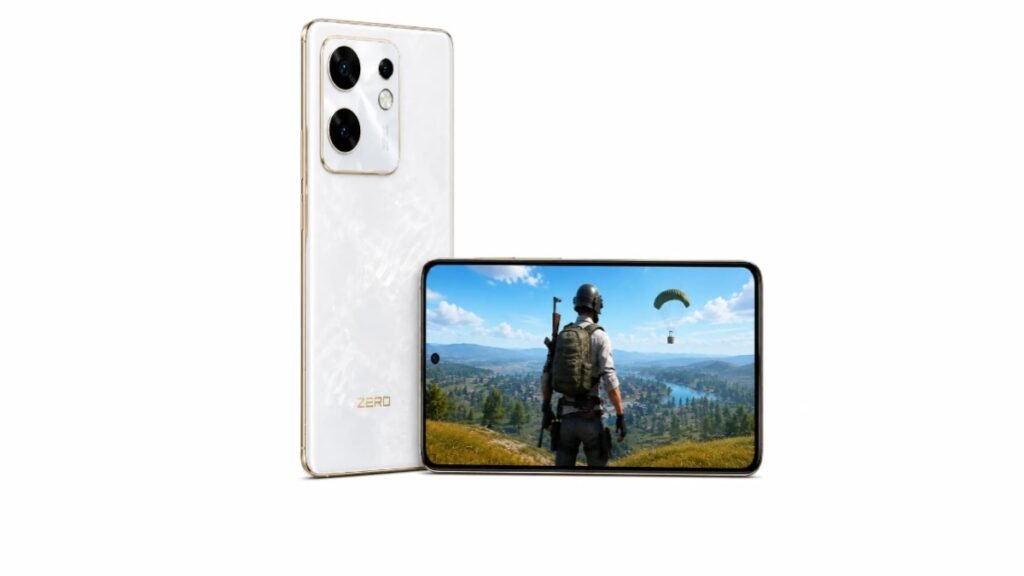
The Infinix Zero 30 4G is a mid-range smartphone with a 120Hz AMOLED display, MediaTek Helio G99 chipset and 5000mAh battery. But for gamers, the main question is: How good is the Infinix Zero 30 4G for PUBG Mobile?
In this post, we will look at Infinix Zero 30 4G PUBG FPS, supported graphics, gaming smoothness, heating, battery drain and recommended PUBG settings.
The information in this article is based on public gaming reviews, YouTube tests, user feedback and available online reports. We have not personally tested the phone, so the FPS and gaming performance figures mentioned here should be considered community-reported results rather than our own test results.
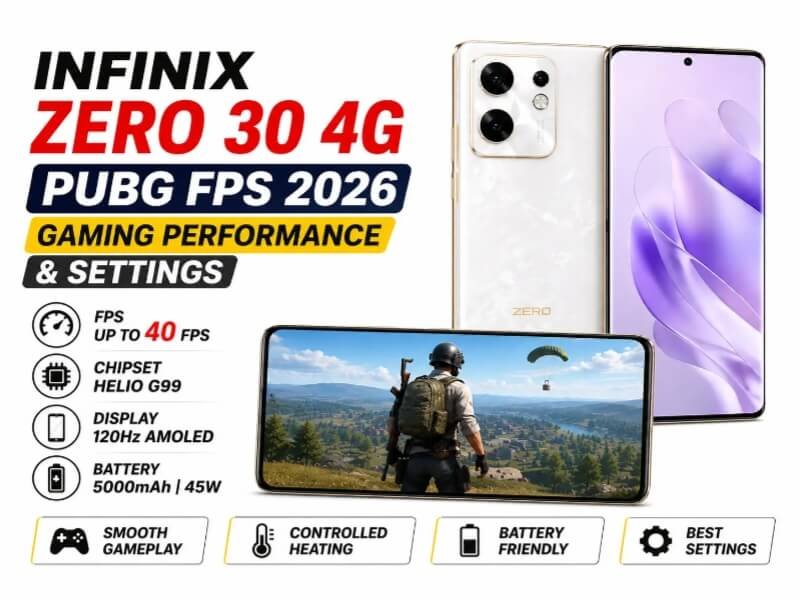
Infinix Zero 30 4G PUBG FPS 2026
The gaming performance of Infinix Zero 30 4G depends on its Helio G99 chipset. It is made for daily use and casual gaming.
| Performance Factor | What Users Report | What it Means |
|---|---|---|
| Reported FPS | 40 FPS Max | 4G version is locked at 40 FPS. No 60 FPS option available. |
| FPS Stability | Stable on Smooth + 40FPS. Drops on HD | Long gaming sessions cause small frame drops after 30-40 minutes. |
| Gameplay Smoothness | Good for casual gaming | Not ideal for competitive 90 FPS players but fine for daily PUBG. |
Infinix Zero 30 4G PUBG FPS
The Infinix Zero 30 4G is powered by the MediaTek Helio G99 chipset. Based on public gaming reviews and user reports:
- Graphics: Smooth, HD
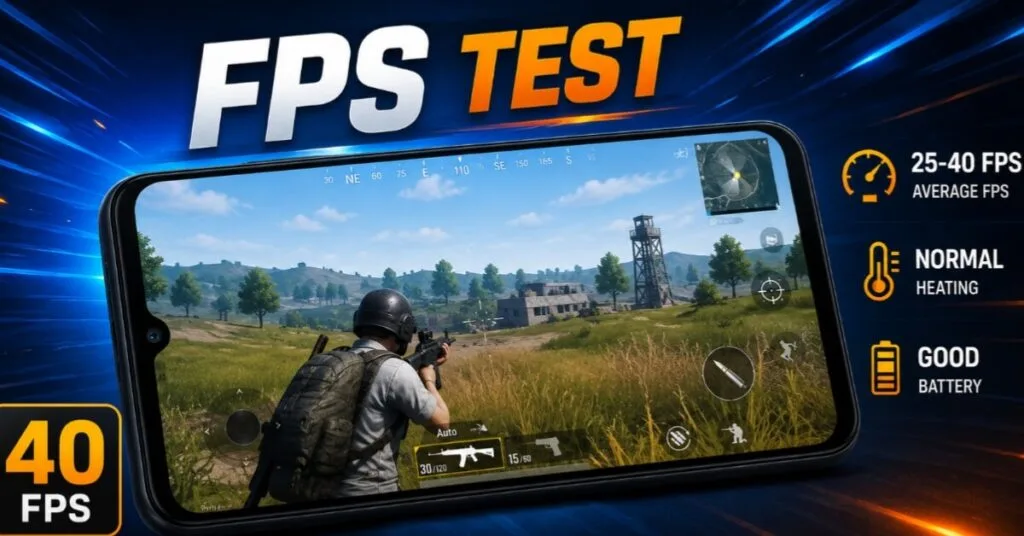
- FPS: Around 40 FPS is commonly reported.
- Gaming Experience: Smooth on lower settings and suitable for casual gaming. Higher graphics may cause FPS drops or occasional lag.
Note: We have not personally tested this phone. Performance may vary depending on the PUBG version and software updates.
Infinix Zero 30 4G PUBG Graphics & FPS Support
PUBG Mobile automatically detects your phone and unlocks graphics. Here is what Infinix Zero 30 4G supports according to user reports:
| Setting | Available Options | What it Means |
|---|---|---|
| Graphics | Smooth, HD | 4G is limited to HD max. No HDR support. |
| FPS | Low, Medium, High, Extreme | 4G max 40 FPS on Extreme setting. |
| Maximum Reported FPS | 40 FPS | No 60 FPS or 90 FPS support. |
Infinix Zero 30 4G PUBG Gaming Performance
Gameplay Smoothness
Based on public gaming reviews, gameplay is generally smooth and stable on Smooth + Extreme 40 FPS settings. The 120Hz display provides a responsive touch experience, and the gyroscope works well according to user reports. Overall, it is good for casual and squad games.
Frame Drops & Stuttering
Some users report minor frame drops after 30–40 minutes of gaming, especially on higher graphics settings. Closing background apps may help improve gaming performance.
Heating During PUBG
After 45–60 minutes of PUBG gaming, the phone can get warm, especially during longer gaming sessions or on higher graphics settings. Playing in a cool room or using a phone cooler can help reduce heat.
Battery Drain While Gaming
The 5000mAh battery can drain around 15–18% per hour while playing PUBG at 40 FPS. The 45W fast charging can provide a quick recharge, making it easier to get back into gaming.
Best Infinix Zero 30 4G PUBG Settings
For a smoother PUBG experience, these settings are a good choice for the Infinix Zero 30 4G. They can help maintain stable gameplay and reduce unnecessary frame drops.
Graphics Settings
For the best FPS, use Smooth graphics. If you prefer better visuals, you can use HD, but FPS may drop to around 30–40 FPS.
FPS Settings
Set the frame rate to Extreme for up to 40 FPS and smoother gameplay.
Anti-Aliasing & Shadows
Turn both OFF for better performance. This can help maintain smoother FPS and reduce lag during gameplay.
Recommended Settings for Smooth Gameplay
- Graphics: Smooth
- FPS: Extreme
- Style: Colorful
- Brightness: 70%
- Gyroscope: Always On
Infinix Zero 30 4G PUBG Sensitivity Settings
Sensitivity is a personal choice, so there is no single best setting for everyone. Instead of using random codes, start with these settings and adjust them based on your play style.
Camera Sensitivity
Start with 90–100 for third-person camera sensitivity. Adjust it by 5 points at a time until you find a comfortable setting.
ADS Sensitivity
Keep the Red Dot and 2x Scope sensitivity between 80–95. Adjust it slightly based on your aim and play style.
Gyroscope Sensitivity
For the 4x and 6x scopes, try a sensitivity of around 300–350. Adjust it based on your aim and comfort.
PUBG Sensitivity Code
There is no universal sensitivity code for the Infinix Zero 30 4G. Go to Settings > Sensitivity > Reset and adjust the settings manually. Random codes from the internet may not work well for everyone and can affect recoil control.
Infinix Zero 30 4G Specs for PUBG
Processor & GPU
The Infinix Zero 30 4G uses the MediaTek Helio G99 6nm chipset with a Mali-G57 MC2 GPU. It is a mid-range processor designed for good efficiency and everyday gaming, rather than flagship-level performance.
Display & Refresh Rate
6.78-inch 3D Curved AMOLED display with 1080 × 2400 resolution and a 120Hz refresh rate. The 120Hz display makes scrolling and menus feel smoother, while PUBG gameplay may be limited to around 40 FPS.
RAM & Storage
The phone comes with 8GB RAM and 256GB UFS 2.2 storage. The 8GB RAM is enough for PUBG and everyday multitasking.
Battery & Charging
5000mAh battery with 45W fast charging. It can charge up quickly, giving you more battery for gaming and daily use.
Price in Pakistan 2026
| Variant | Price in PKR | What it Means |
|---|---|---|
| Infinix Zero 30 4G | Rs. 64,999 PKR | Best for camera and daily use with decent gaming |
Source: WhatMobile
Is Infinix Zero 30 4G Good for PUBG?
Casual gaming
Yes, the Infinix Zero 30 4G is suitable for 1–2 hours of daily gaming. Smooth + 40 FPS settings can provide a good and enjoyable gaming experience.
Competitive gaming
If you need 90 FPS for competitive gaming or tournaments, this phone may not be the best choice. A more powerful chipset would be better for higher and more stable FPS.
Long sessions
Gaming for 3+ hours can increase heat and battery drain. Taking short breaks can help keep the phone cooler and maintain better performance.
Overall performance
The Infinix Zero 30 4G is a balanced phone with a good display, good camera, and decent gaming performance. It is not a dedicated gaming phone, but it can handle PUBG at around 40 FPS.
Frequently Asked Questions
How many FPS in Infinix Zero 30 4G?
4G version gives 40 FPS max on Smooth + Extreme settings.
Does Infinix Zero 30 4G support 90 FPS?
No. PUBG does not unlock 60 FPS or 90 FPS on Zero 30 4G.
Is Infinix Zero 30 4G good for PUBG?
Yes for casual players. No for professional competitive players.
Which Infinix is best for PUBG?
For better FPS you should look at Infinix GT series. Zero 30 4G is for casual gaming.
Is Infinix Zero 30 4G worth buying?
Yes if you want camera + display + decent gaming under 65k. No if gaming is your only priority.
Final Verdict
Overall PUBG Performance: Average. 4G gives 40 FPS stable on Smooth settings.
Best for: Casual players who play 1-2 hours daily.
Main Strengths: 120Hz AMOLED display, 5000mAh + 45W charging, 8GB RAM.
Main Weaknesses: Locked at 40 FPS, heating in long sessions, Helio G99 limits graphics.
Short Recommendation: Buy Infinix Zero 30 4G if budget is tight and gaming is secondary. For serious gaming, look for a phone with 60 FPS support.
Disclaimer
This article is for informational purposes only. The FPS data, settings and performance details are collected from public user reviews, YouTube videos, gaming forums and online reports. We have not personally tested the Infinix Zero 30 4G. Gaming performance can vary based on PUBG version, internet, background apps and device condition. Prices may change. Please check with local sellers before buying.