last updated on August 30, 2026
Introduction
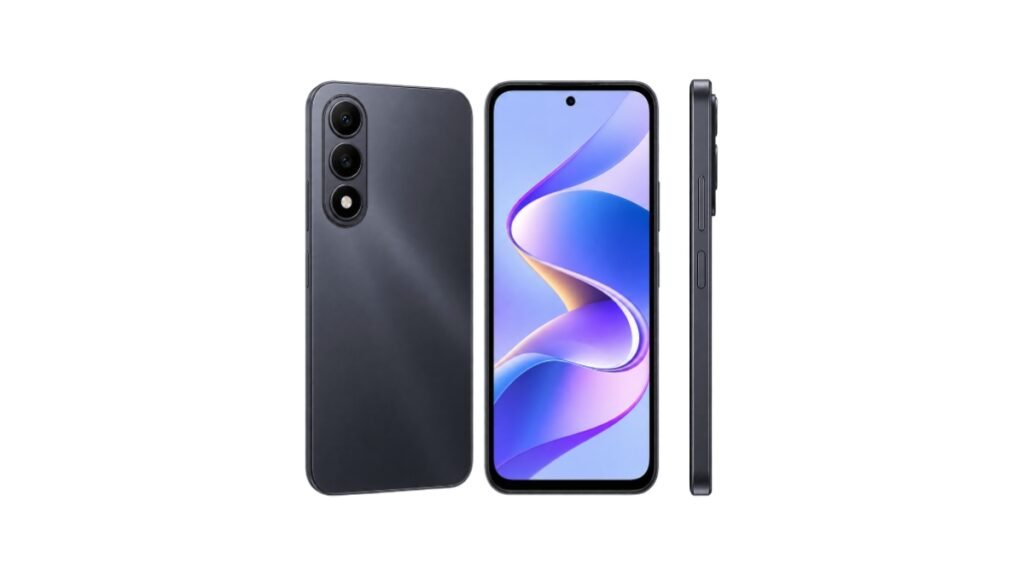
Looking for a budget phone to play PUBG in 2026? The Itel City 200 is getting popular in Pakistan. Price is around Rs. 36,999 PKR. It has a 6.78 inch 120Hz display and 5200mAh battery. That’s why many players ask: Can Itel City 200 run PUBG smoothly?
In this guide we will cover real PUBG FPS, best settings, gameplay, heating, battery, and final verdict. This will help you decide if you should buy it.
Note: This post is based on research, public reviews, and official specs from WhatMobile and GSMArena. We have not tested the device ourselves. Results may vary based on RAM and internet.
Itel City 200 PUBG FPS Performance
PUBG performance depends on the processor, GPU, RAM, and game optimization. Here is what the itel City 200 offers:
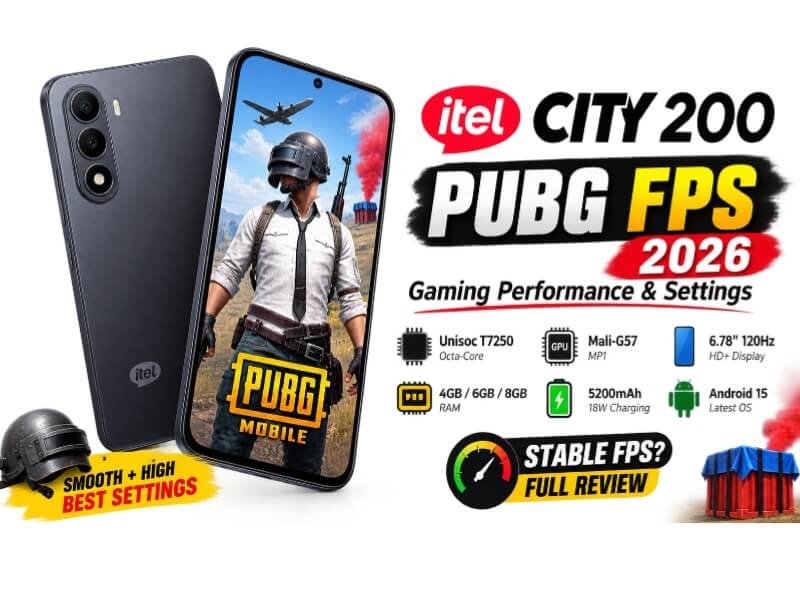
- Processor: Unisoc T7250, 12nm octa-core, up to 1.8GHz
- GPU: ARM Mali-G57 MP1
- RAM: 4GB / 6GB / 8GB
- Storage: 128GB / 256GB + microSDXC
- OS: Android 15
The Unisoc T7250 is an entry-level chipset mainly suited for everyday use and light gaming. The Mali-G57 MP1 is also an entry-level GPU, so high-end graphics options and stable 60 FPS should not be expected.
The phone also features a 6.78-inch 120Hz IPS LCD with 720 × 1576 HD+ resolution. The HD+ resolution puts less rendering load on the GPU than a Full HD display, which can help gaming performance. The 120Hz refresh rate also makes scrolling and system animations feel smoother, although it does not mean PUBG will run at 120 FPS.
Bottom line: The itel City 200 should be suitable for casual PUBG gaming on lower graphics settings, but players looking for consistently high FPS and competitive gaming performance should consider a more powerful chipset.
Itel City 200 PUBG Graphics & FPS Settings
The right settings can help reduce the load on the GPU and provide a smoother PUBG experience on a budget phone.
Recommended PUBG Graphics Settings
Based on the phone’s hardware and available public information, these are reasonable settings to try on the itel City 200:
- Graphics: Smooth
- Frame Rate: High
- Style: Classic
- Anti-Aliasing: Off
- Shadows: Off
- Auto-adjust Graphics: On
- Gyroscope: On
Smooth graphics put less load on the GPU, while turning off options such as shadows and anti-aliasing can help reduce the rendering workload. Auto-adjust graphics can also lower graphics quality when the game detects performance limitations.
Best FPS Setting for Smooth Gameplay
A 120Hz display does not mean PUBG will run at 120 FPS. The maximum available frame rate depends on the chipset, game version, and PUBG’s device optimization.
With the Unisoc T7250 and Mali-G57 MP1, higher frame-rate options may be limited compared with more powerful gaming phones. The exact options can also change after PUBG updates.
Expected PUBG FPS
Because this is a research-based article and we have not personally tested the phone, the following figures should be treated as estimated ranges rather than measured results:
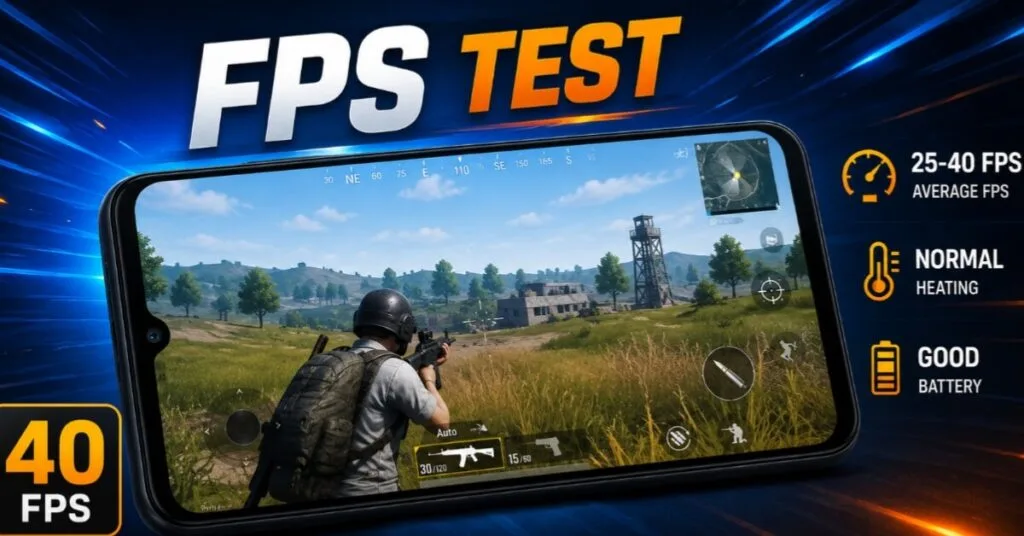
- Lobby/Training: Around 38–40 FPS
- Average Gameplay: Around 25–35 FPS
- Heavy Fights/Final Zone: Around 22–28 FPS
For better performance, close unnecessary background apps and use Smooth graphics with the highest stable frame-rate option available on your device. Higher RAM variants may help with multitasking and app reloads, but FPS stability mainly depends on the processor, GPU, game optimization, temperature, and software.
Itel City 200 PUBG Gameplay Experience
The itel City 200 is mainly suitable for casual PUBG gaming on lower graphics settings. Its Unisoc T7250 processor, Mali-G57 MP1 GPU, and HD+ display can handle basic gameplay, but performance may vary depending on settings, temperature, RAM, and game updates.
Gameplay Smoothness
The 6.78-inch display provides a large viewing area, while 6GB and 8GB RAM variants can offer better multitasking than 4GB. For smoother gameplay, use Smooth graphics and a suitable FPS setting.
Frame Drops and Stuttering
Frame drops may occur during hot drops, smoke-heavy fights, grenades, or large team battles. Long gaming sessions can also increase temperature and potentially cause performance drops due to thermal throttling.
Tips for Better Performance
- Use Smooth graphics
- Select the highest stable FPS option
- Close unnecessary background apps
- Avoid gaming in very hot conditions
- Avoid gaming while charging
Note: These are research-based expectations, not our own hands-on testing. Actual performance may vary.
Itel City 200 Heating and Battery Drain While Gaming
The itel City 200 features a 5200mAh battery, 18W fast charging, and reverse charging, making it suitable for regular gaming and daily use.
Battery and Heating
PUBG battery drain depends on graphics settings, FPS, brightness, network, temperature, and battery condition. Using Smooth graphics and a suitable FPS setting can help reduce power consumption.
During longer gaming sessions, the phone may become warm, especially under heavy workload. If the device gets too hot, performance can decrease due to thermal throttling. Avoid gaming while charging when possible.
The phone also offers IP65 protection and 1.5m drop resistance, adding extra durability for everyday use.
Note: Battery and heating figures can vary because this article is based on research and public information, not our own hands-on testing.
Itel City 200 Key Specs for Gaming
| Spec | Detail | What It Means for PUBG |
|---|---|---|
| Processor | Unisoc T7250 Octa-core 1.8GHz | Entry-level chip. Best for Smooth graphics |
| GPU | ARM Mali G57 MP1 | Basic GPU. No HDR or 60 FPS support |
| Display | 6.78″ IPS LCD, 120Hz, HD+ 720×1576 | Big screen for visibility. UI feels smooth |
| RAM | 4GB / 6GB / 8GB | 6GB/8GB recommended for less lag |
| Storage | 128GB / 256GB + microSDXC | Enough space for PUBG and games |
| Battery | 5200mAh, 18W Charging | 4-5 hours gaming time |
| Software | Android 15 | Latest OS with better optimization |
Source: WhatMobile and GSMArena specs data
Itel City 200 PUBG Performance: Pros and Cons
Pros
Budget-friendly price
120Hz display
Large 5200mAh battery
Up to 8GB RAM
3.5mm jack & IP65 rating
Cons
Entry-level processor
HD+ display
Gets warm during long gaming
Frame drops in heavy fights
No 5G
Verdict: Good for casual PUBG gaming, but not ideal for high FPS or heavy graphics.
Is Itel City 200 Good for PUBG in 2026?
Casual Player: Yes, good for playing PUBG at Smooth + High settings.
Competitive Player: Not ideal due to limited FPS and occasional frame drops.
Budget User: Yes, offers a big display, large battery, and decent gaming performance.
Note: PUBG updates can affect performance over time, so FPS may vary after future updates.
Frequently Asked Questions
How Many FPS Does Itel City 200 Get in PUBG?
25-35 FPS average on Smooth + High. 38-40 FPS in lobby. 22-28 FPS in fights.
Does Itel City 200 Support 60 FPS in PUBG?
No. Unisoc T7250 only unlocks “High” frame rate. 60 FPS is not supported.
Which PUBG Settings Are Best for Itel City 200?
Graphics: Smooth, Frame Rate: High, Style: Classic, Shadows: Off, Anti-Aliasing: Off. This gives most stable gameplay.
Is Itel City 200 Good for PUBG?
Yes for casual players. For competitive gaming, buy a phone with better chipset.
Which RAM variant should I buy for PUBG?
Buy 6GB or 8GB RAM. 4GB will cause lag and app reloads. More RAM = smoother experience.
Does 120Hz display improve PUBG performance?
No. PUBG runs at 30 FPS. But 120Hz makes UI and menus smooth. Touch response also feels a bit faster.
Can we play other games like COD Mobile?
Yes, but only on low settings. Heavy games will lag. This phone is best for light games and daily use.
Disclaimer
This article is based on research, public reviews, and specs from WhatMobile and GSMArena. We have not tested the Itel City 200 ourselves. Actual FPS, battery, and heating may differ based on usage, software, and internet. Prices may change. Please check official sources before buying.