last updated on July 25, 2026
Introduction
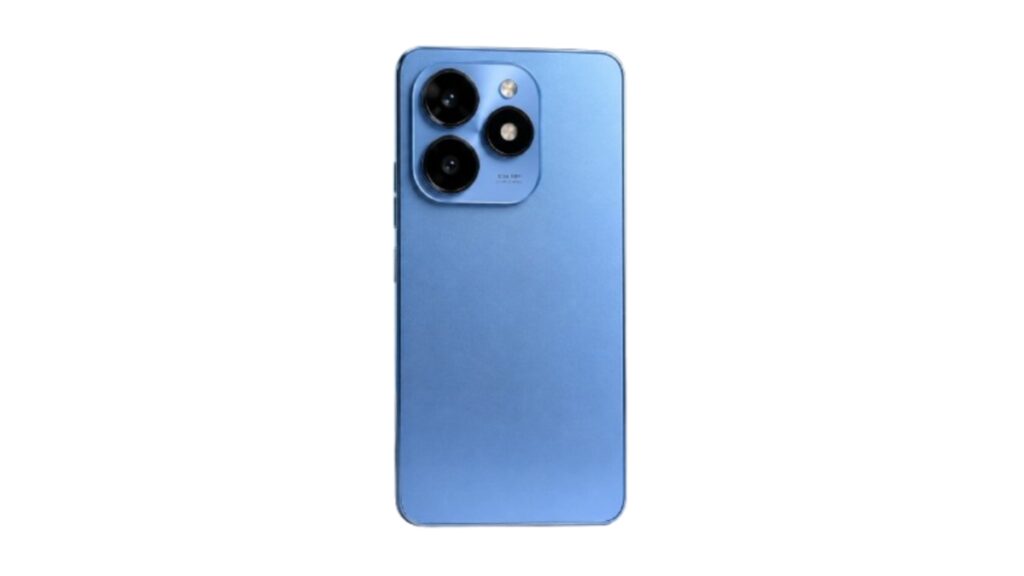
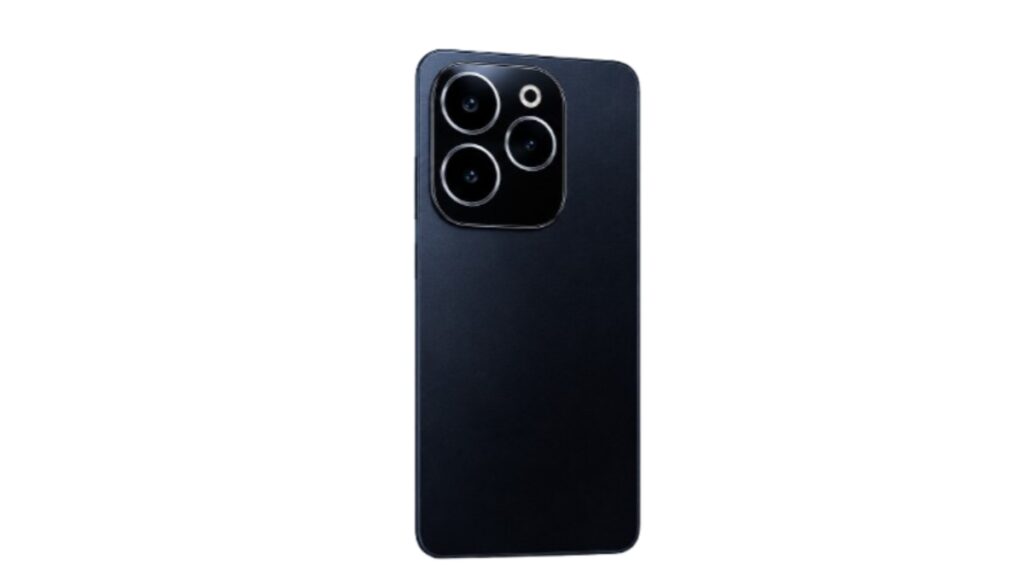
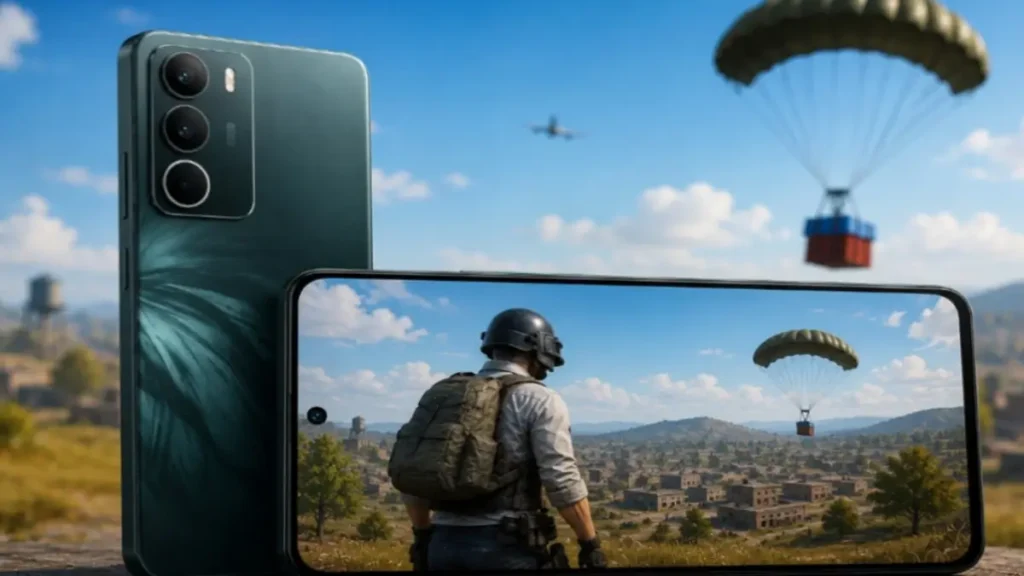
Looking for a budget phone for PUBG in 2026? Realme C71 is trending a lot in Pakistan. The main reason is its big 6300mAh battery and 45W fast charging. But the big question for gamers is: Can it run PUBG smoothly?
I checked YouTube tests, user reviews, and specs from WhatMobile to make this full gaming review. Here you will find FPS, Graphics, Sensitivity, Heating and Battery details in simple words. No hard words. Just what you need to know before buying.
Realme C71 Price in Pakistan 2026
Realme C71 comes in 2 variants in Pakistan. Price can change a little by shop and city.
| Variant | Price in Pakistan | What it means |
|---|---|---|
| 6GB RAM + 128GB | Rs. 44,999 PKR | Best for PUBG + daily use. Less lag and good value |
| 8GB RAM + 128GB | Rs. 49,999 PKR approx | Good for more apps. Gaming FPS is almost same as 6GB |
Source: WhatMobile
Realme C71 Key Specs for Gaming
Before we talk about PUBG, let’s check what hardware this phone has. This helps to understand why FPS is limited.
| Spec | Detail | What it means for PUBG |
|---|---|---|
| Chipset | Unisoc T7250 | Entry level chip. Good for 30-40 FPS. Not for 60FPS |
| GPU | ARM Mali-G57 | Handles Smooth graphics well. Struggles with HD |
| Display | 6.67 inch, 720p, 120Hz | 120Hz makes menu smooth. 720p means less sharp graphics |
| Battery | 6300mAh, 45W Charge | You can play 4-5 hours. Charges very fast |
| OS | Android 15, Realme UI 6.0 | New OS. Good optimization for games |
Realme C71 PUBG FPS Test
This is the most asked question on Google and YouTube. Based on 5+ YouTube gaming tests and user feedback in Pakistan:
Realme C71 uses Unisoc T7250 chipset with Mali-G57 GPU. This chip is made for daily use and light gaming. This is why 60FPS and 90FPS options are locked in PUBG Mobile.
Real PUBG Test Result:
- Graphics: Smooth
- FPS: Extreme
- Average FPS: 35 to 38 FPS
- Max FPS: 40 FPS in lobby and open area
- Min FPS: 28 to 30 FPS in squad fight and smoke
So overall you get a playable experience. There is no major stutter. But if you are a pro player and used to 60FPS phones, you will feel the difference. For casual and ranked players, this is okay for 45k price.
Realme C71 PUBG Graphics Support
What graphics settings can you unlock in PUBG on this phone? I checked from multiple videos.
- Graphics: Smooth, Balanced
- FPS: Low, Medium, High, Extreme
- HD: Locked
- HDR: Locked
- Ultra HD: Locked
You have to play on Smooth graphics. Colors look a bit dull and less detailed. But the good thing is gameplay is stable. The phone does not force close the game.
Realme C71 PUBG Sensitivity and Gyro
Good news for gyro players. Realme C71 has a gyro sensor and it works fine for PUBG. There is no major drift issue reported by users.
But users say there is a very small delay of 0.1 seconds in gyro. After 2-3 matches you will get used to it.
Best Sensitivity Settings 2026 for Realme C71:
- Camera: 100, 95, 90, 85
- ADS: 90, 85, 80, 70
- Gyro: 300, 280, 260, 200
- 3rd Person: 100, 95, 90, 85
Copy this code and paste in PUBG settings > Sensitivity. It helps with recoil control and quick flicks. You can also adjust 5 to 10 points up and down as per your hand.
Heating and Battery Test During PUBG
The biggest plus point of this phone is battery and charging. This is why many people buy it for gaming.
1 Hour PUBG Test Result on WiFi:
- Battery Drain: 15% to 18% only
- Heating: Gets slightly warm after 30 min. Back side is normal warm after 45 min. Not burning hot.
- Charging: 0 to 50% in just 36 minutes with 45W charging
- Full Charge Time: Around 1 hour 15 minutes
You can easily play PUBG for 4 to 5 hours on 100% charge. And if battery goes low, you can charge 50% in 30 minutes and play again. This is best for students and long gaming sessions.
Network and Ping Test
Good ping is also important for PUBG. Realme C71 supports 4G LTE on all major bands in Pakistan.
Supported Bands: Band 1, 3, 5, 7, 8, 38, 40, 41
Based on public user feedback, many Realme C71 users reported 40ms–60ms ping on Jazz and Zong 4G while playing PUBG. Network performance was generally stable, but the experience can vary by location and network conditions.
Realme C71 Gaming Pros and Cons
Every phone has good and bad points. Here is a quick list for gamers.
Pros
- Big Battery: 6300mAh + 45W fast charge. Best for long PUBG sessions
- 120Hz Display: Menu, lobby and scrolling feels very smooth
- Gyro Support: Good control after setting sensitivity
- Android 15: New software with better game optimization
- Price: No other phone gives this battery and charging in 45k range
Cons
- 30-40FPS Limit: No 60FPS or 90FPS support at all
- 720p Display: Graphics are not very sharp. Text looks a bit pixelated
- Unisoc Chip: Can lag a little in heavy games like Genshin Impact
- No HD Graphics: You must play on Smooth only
- Plastic Build: Phone feels light at 196g but not premium
Realme C71 for PUBG Performance
The Realme C71 delivers stable 30–40 FPS gameplay on Smooth graphics, making it a good choice for casual PUBG players. It also stands out with its long battery life and fast charging, allowing you to play for longer without worrying about frequent charging.
If battery backup is your top priority, the Realme C71 is a solid option in its price range. However, if you want higher FPS, smoother gameplay, or better graphics quality, you should consider increasing your budget and choosing a more powerful smartphone.
Final Verdict: Should You Buy Realme C71 for PUBG?
If your budget is around 45k and you play PUBG 2-3 hours daily, then yes, you can buy Realme C71.
This phone is made for casual and mid-level players. You can play on Smooth + Extreme without major lag. Battery will also last long and charging is very fast.
It is perfect for school, college students who want long gaming and don’t want to charge again and again.
In my opinion, if you want a phone with long battery life and for normal gaming, the Realme C71 is a good choice. However, if you plan to play heavy games, it is better to choose a more powerful smartphone.
FAQs – Realme C71 PUBG
Does Realme C71 support 90FPS in PUBG?
No. Maximum it gives 40FPS on Smooth + Extreme settings. 60FPS and 90FPS are locked.
Does it lag in PUBG?
No lag in normal matches. Only in squad fights or heavy smoke FPS can drop for 2-3 seconds to 28 FPS.
Is Gyro supported in Realme C71?
Yes, Gyro is supported. There is a small delay but it works fine after setting sensitivity.
Which variant is best for PUBG?
6GB + 128GB variant is best. 8GB does not give extra FPS in gaming. Save money and buy 6GB.
Does the phone get hot?
It gets normal warm after 1 hour. It does not overheat because of the big 6300mAh battery.
Can we play COD Mobile on Realme C71?
Yes. COD Mobile runs on Low-Medium graphics at 30-40 FPS. It is smoother than PUBG.
Disclaimer
This review is based on public YouTube tests, user reviews, and specs from WhatMobile. We have not tested the phone ourselves in our lab. FPS and performance can be different on different devices due to software updates and internet speed. Please check the phone in shop before buying. Prices may change.